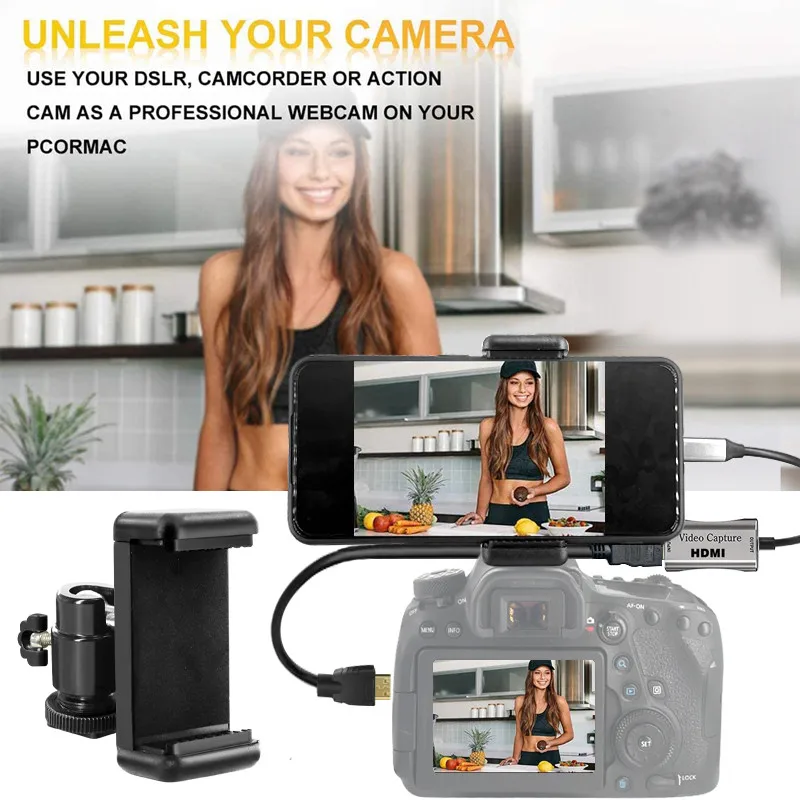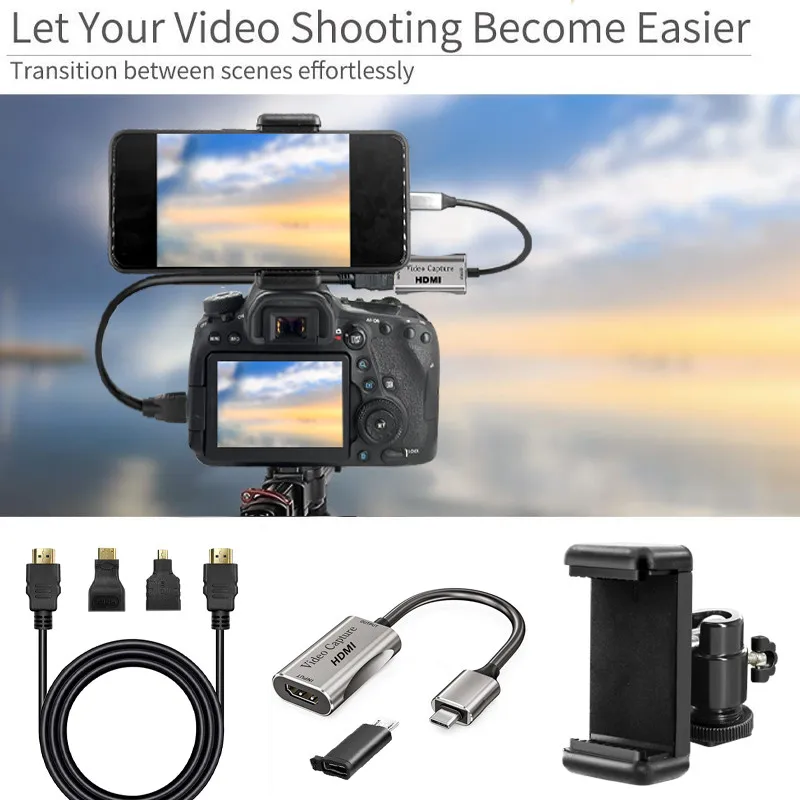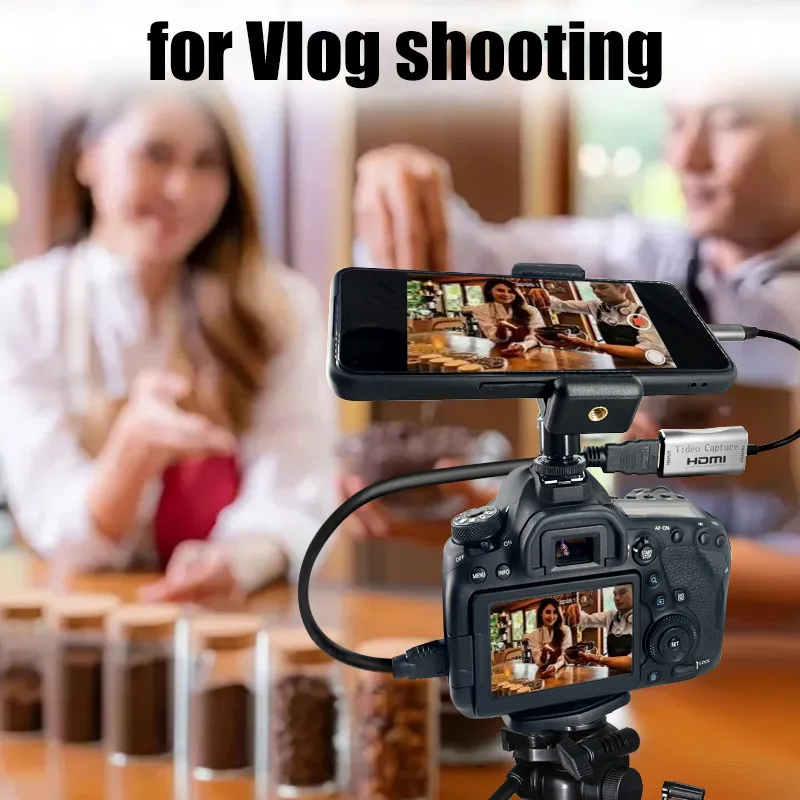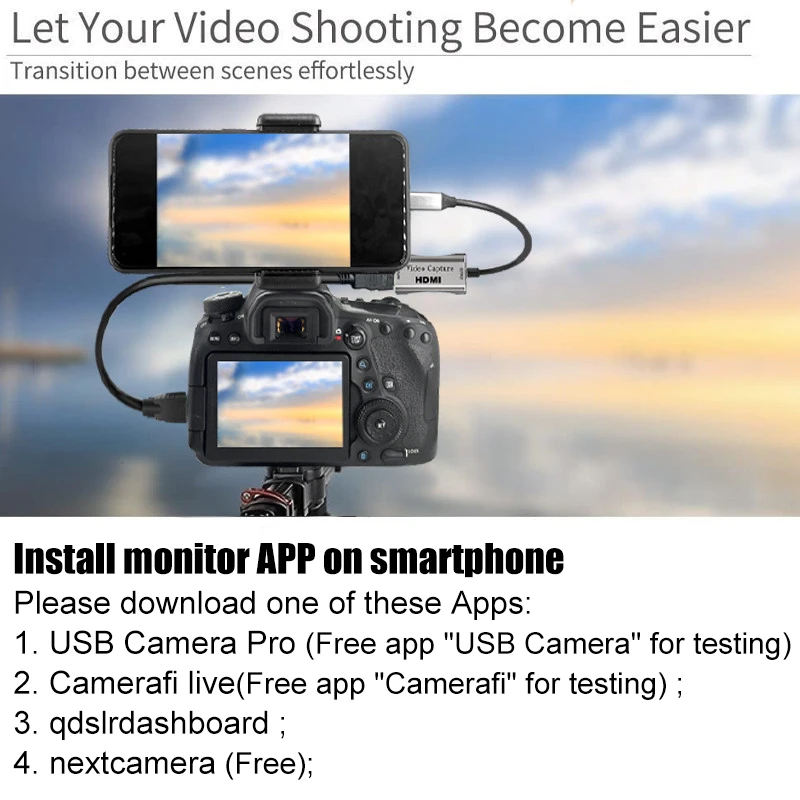
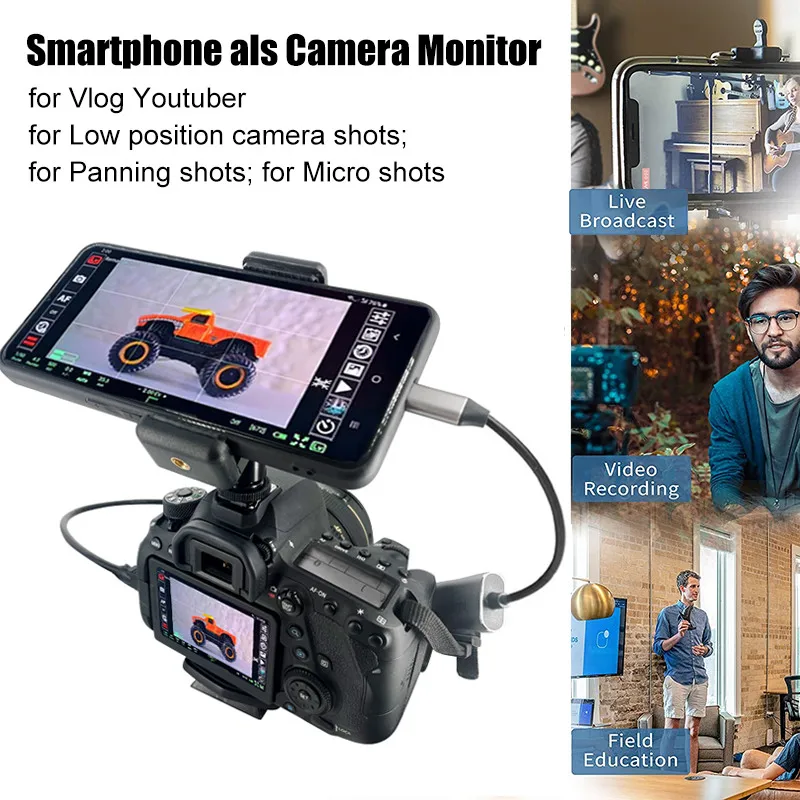
Upgrade your video setup with this powerful HDMI to Android capture adapter. Designed for creators, streamers, and professionals, this device lets you connect your camera directly to your Android phone or tablet for real-time viewing and recording
Specifications
Resolution: 1080p @ 30fps
HDMI Input: 1920×1080 (24/25/30Hz)
Output Device: Android phone/tablet
Cable Length: 50cm
Power Source: Device-powered (no external adapter)
Origin: Mainland China
>> Order now and get fast delivery to your door
📘 HDMI Capture Card – Instructions for Use (Step by Step Guide)
🔹 1. Device Compatibility (Important)
Before using, make sure your devices are supported:
❌ Not Supported:
• Cameras without HDMI ports
• Samsung phones (Android 11 / 12 / 13)
• iPhone / iPad devices
✔️ Supported:
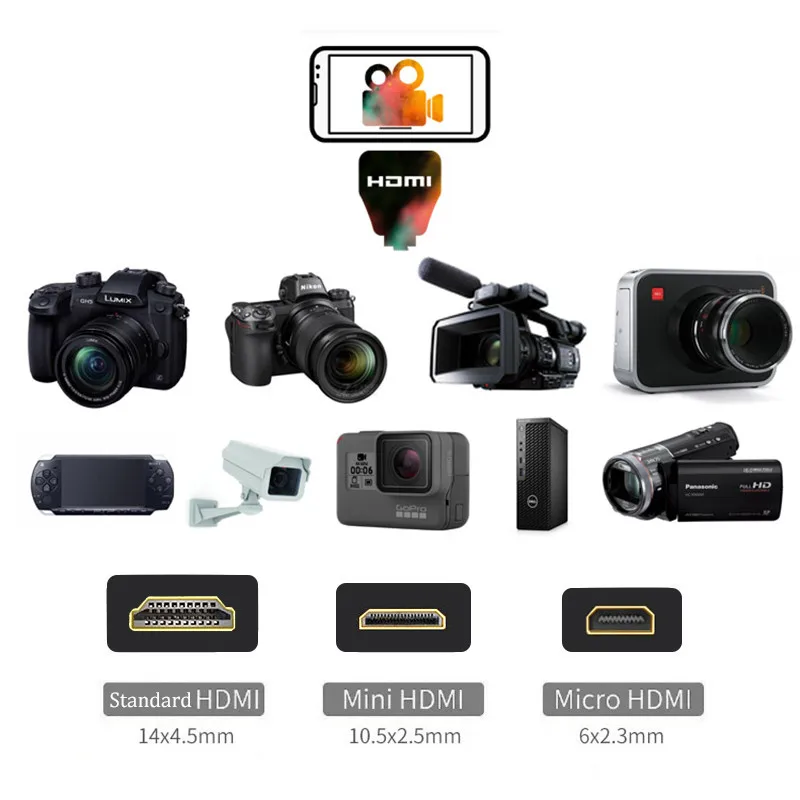
• Cameras with HDMI output
• Android phones with OTG support
🔹 2. Recommended Apps
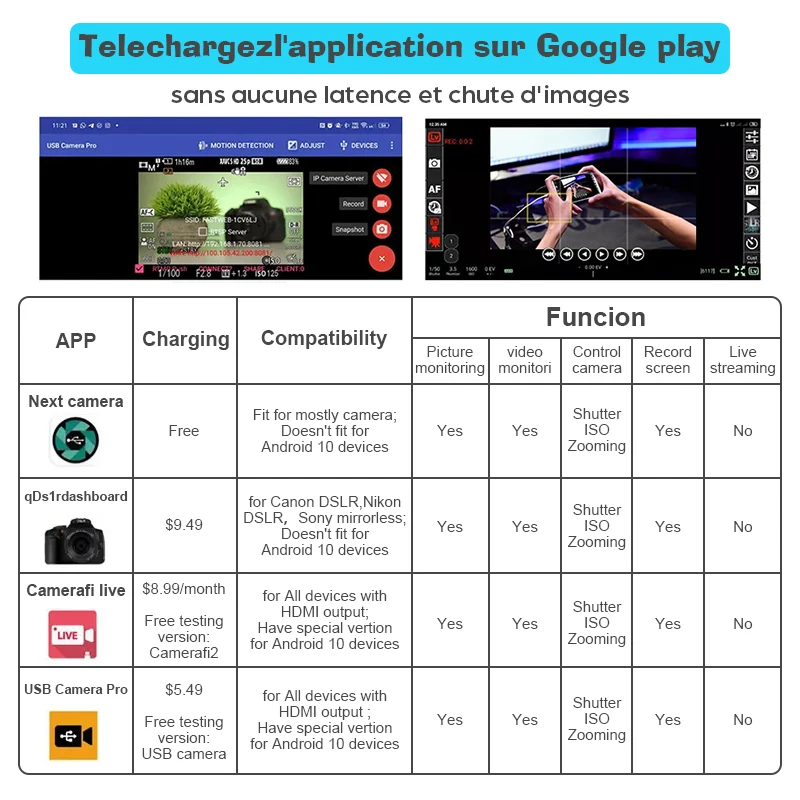
Install one of these apps to use the capture card:
• USB Camera Pro (recommended)
• USB Camera (free version for testing)
• CameraFi Live (or CameraFi2 free version)
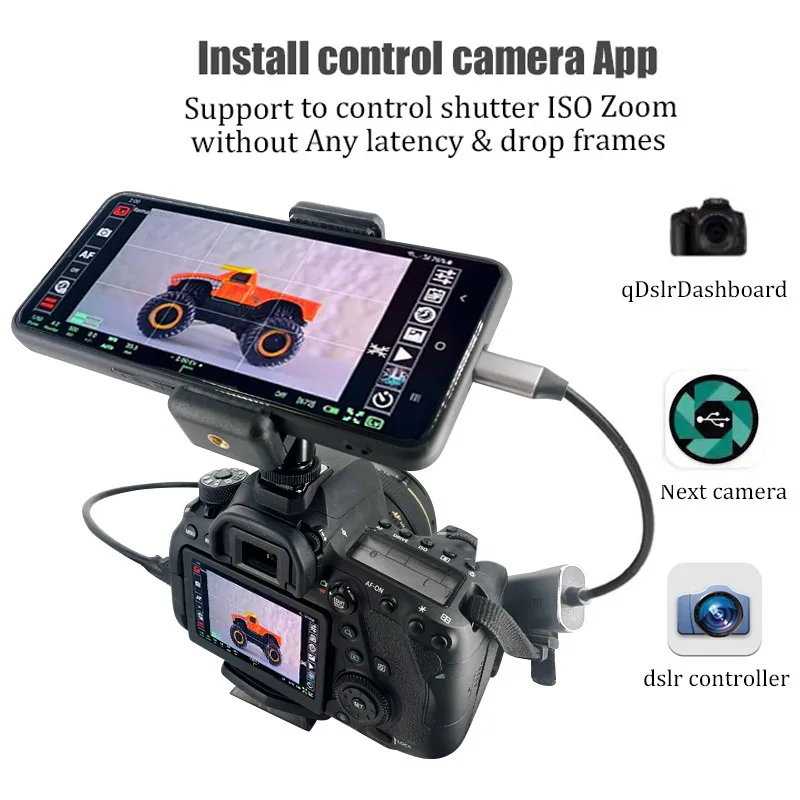
• qDslrDashboard (best for Canon, Nikon, Sony cameras)
• Next Camera (free & works with most devices)
🔹 3. For Android 10 Users
If your phone runs Android 10:
1️⃣ Install USB Camera Pro
2️⃣ If it doesn’t work → uninstall & reinstall
3️⃣ Try special version of CameraFi Live
4️⃣ Still not working? Consider updating to Android 11/12
🔹 4. If Camera Is Not Detected
🔸 Step-by-step fix:
• Turn ON OTG connection (some phones enable automatically)
• Allow all app permissions (especially camera & USB access)
• Enable HDMI output settings in your camera
• Set camera to “Video Mode” or “Live View Mode”
💡 Tips for Best Use:
• Always connect devices before opening the app
• Keep your camera in active mode (not standby)
• Use a stable setup for better video quality
👉 Follow these steps properly and you should be able to use the capture card smoothly for streaming or recording.
Offer Price US $13.59 50% offUS $27.18
>> Order now and get fast delivery to your door